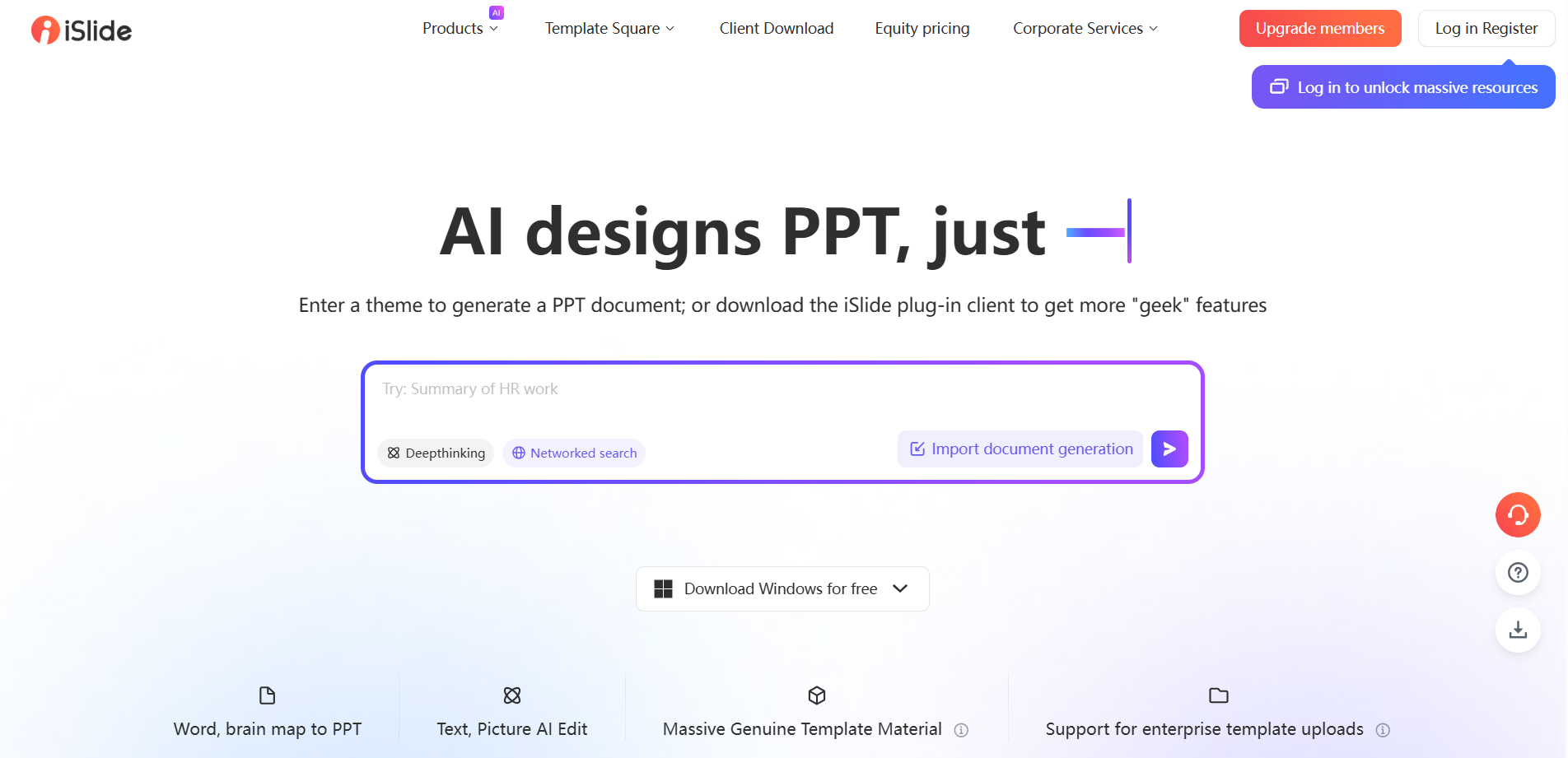
What iSlide AI is
iSlide AI is an AI launched by iSlide, a well-known PPT plug-in tool and template platform PPT generation and design tools , aiming to assist users to produce and optimize PPT presentations faster and more efficiently. Using artificial intelligence technology, the tool offers a range of features to simplify and speed up the process of creating PPTs, while enhancing the professionalism and attractiveness of presentations.

Main features of iSlide AI
- Generate PPT outline : After the user enters the topic, iSlide AI can automatically analyze and generate a PPT outline with clear logic and complete structure to help users quickly plan the presentation content.
- Generate single page content : When adding new content to an existing PPT, users can quickly generate complete single-page content by entering relevant content.
- Replacement single page : If the user is not satisfied with the layout style of the PPT page generated by AI, they can select the target page and use the replacement function of iSlide AI to quickly adjust the layout style of the content.
- AI text processing :iSlide AI provides text expansion, polishing, splitting and streamlining functions to help users optimize the copywriting content in PPT to make it richer, smoother and easier to read.
- Design optimization : iSlide provides online resource library tools such as quick filtering, quick alignment, text box design, and quick shape insertion, which can help users quickly find suitable design elements and perform precise typesetting.
- AI one-click skin resurfacing : Users can choose different theme styles, iSlide AI will automatically apply to the entire PPT to achieve unified and standardized design of themes.
- File Export : iSlide AI supports exporting PPT into full-image PPT, picture, video and other formats, making it convenient for users to use in different occasions.
- Multilingual translation : For PPTs that require multi-language presentation, iSlide AI provides a translation function that supports translation of text content into multiple target languages.

How to generate PPT using iSlide AI
- Visit iSlide’s official website ( Islide.cc ), click on the upper right corner to log in and register
- Then enter the PPT topic and click Send, waiting for the PPT outline to be generated
- After generating the outline, you can modify, add or delete, and then click to generate the PPT
- The generated PPT can be peeled and downloaded and edited with one click
- In addition, you can also install the iSlide plugin of Microsoft Office and WPS using iSlide AI
Product prices for iSlide AI
- Free version: Users can use 30 times/month AI session quota after registration, free resources can be downloaded, and signature is required for use
- Individual members: 29 yuan/month, 99 yuan/year, 189 yuan/two years, can use 300 times/month AI session quota, 300,000+CC0 copyright-free materials, 100,000+ original high-quality templates, personal commercial authorization, templates/material upload, 500M personal storage space and other rights
- Corporate members: 1-year version (259 yuan/person/year), 2-year version (239 yuan/person/year), 3-year version (199 yuan/person/year), can use 400 times/month AI session quota, 8 million + visual China Gallery, unlock all materials in 9 major resource libraries, 5G public storage space, user management backend, enterprise material management backend, enterprise commercial authorization and other rights