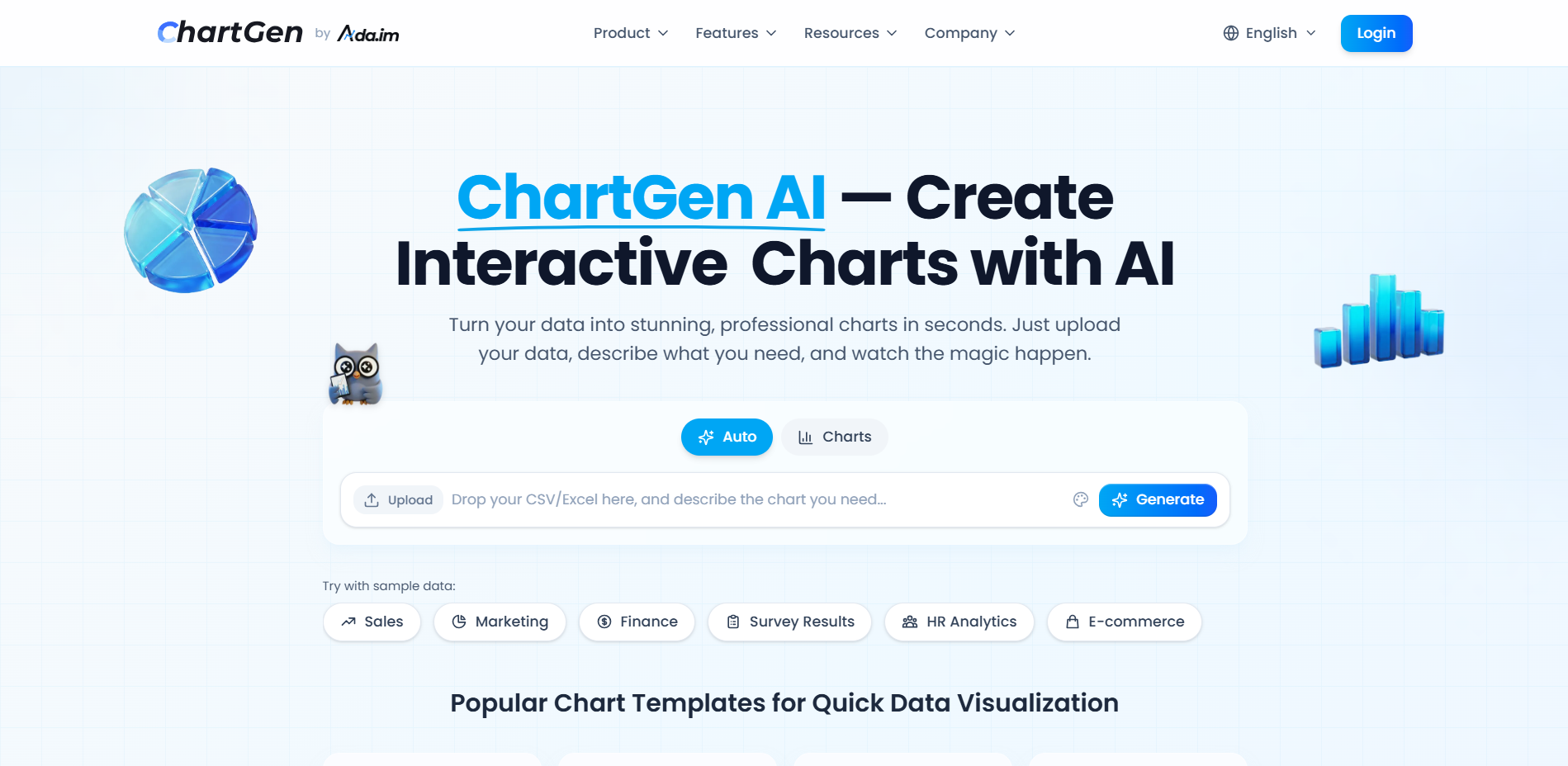
What is ChartGen
ChartGen is an efficient and convenient AI chart generation tool that focuses on quickly converting raw data such as CSV and Excel into professional-level data visualization results. Users only need to upload data and describe their requirements in natural language, and AI can automatically understand the data structure, select appropriate chart types, and generate high-quality charts. ChartGen supports 9 common chart types, including bar chart, line chart, pie chart, scatter chart, heat map, combination chart, waterfall chart, and funnel chart, and is suitable for various scenarios such as business analysis, operational analysis, market reporting, and academic research.

ChartGen’s main features
- Quickly generate charts: After users upload CSV or Excel data and describe their requirements in natural language, AI can generate professional charts in 30 seconds, without any design or programming experience.
- Supports multiple chart types: Provides 9 common charts such as bar charts, line charts, pie charts, scatter charts, heat maps, combination charts, waterfall charts, and funnel charts. AI automatically recommends the most suitable chart type based on data, and users can also switch manually.
- natural language interaction: Supports Chinese and English descriptions, AI can automatically identify data dimensions, indicators and aggregation methods, and supports operations such as sum, average, and counting.
- Professional color matching and customization: Built-in 12 sets of business-grade color matching themes, users can customize colors to suit the brand vision, and can also adjust details such as sorting, display quantity, and labels.
- Multiple export methods: Supports exporting PNG high-definition images, and the advanced version supports SVG, PDF and embedded codes, which is convenient for use in PPT, reports, web pages and dashboards.
- Real-time data synchronization: After connecting to the data source, the chart will automatically refresh to ensure the real-time and accuracy of the data.
How to use ChartGen
- access platform: Visit ChartGen official website https://chartgen.ai/ and register a login account.
- Upload data: Upload CSV or Excel files to ChartGen, or connect to a database or other data sources.
- Describe requirements: Use natural language (Chinese or English) to clearly describe the chart type and data display requirements you want to generate.
- Generate chart: AI automatically understands data and generates professional charts while providing data insights.
- Adjust and optimize: Adjust chart type, color scheme, sorting method and other details as needed to achieve the best effect.
- Export and share: Export the generated charts to PNG, SVG, PDF format, or embed code for PPT, reports or web page display.

ChartGen’s core advantages
- Instant generation: It only takes 30 seconds from data upload to chart generation, quickly meeting user needs.
- natural language interaction: Users describe their needs in ordinary language and can operate without professional skills.
- Multiple chart types: Supports 9 common charts, and AI automatically recommends the most suitable chart type.
- Professional color matching and customization: Built-in business-grade color scheme supports custom adjustments to meet personalized needs.
- Multiple export formats: Supports export in PNG, SVG, PDF and other formats, adapting to a variety of usage scenarios.
- Real-time data synchronization: After connecting to the data source, the chart can be automatically updated to ensure the timeliness of the data.
- Security Compliance: Complies with SOC 2 standards and uses end-to-end encryption to ensure data security.
- Efficient and easy to use: No design or programming experience is required, suitable for all types of users to get started quickly.

Application scenarios of ChartGen
- business analysis: Quickly generate financial reports, sales trend analysis, market share and other charts to help corporate management make data-driven decisions.
- operational analysis: Visualize key operational indicators, such as customer retention rate, order processing time, etc., to help teams optimize business processes.
- market report: Display marketing activity effects, channel ROI, brand influence and other data to provide basis for market strategy adjustments.
- academic research: Convert complex research data into intuitive charts to facilitate presentation of research results in papers and reports.
- product management: Analyze user behavior data, product usage, etc., and assist product managers in product iteration and optimization.
- Consulting report: Generate professional charts for consulting projects, clearly presenting industry analysis, case studies, etc., to enhance the persuasiveness of the report.