What is Typeless
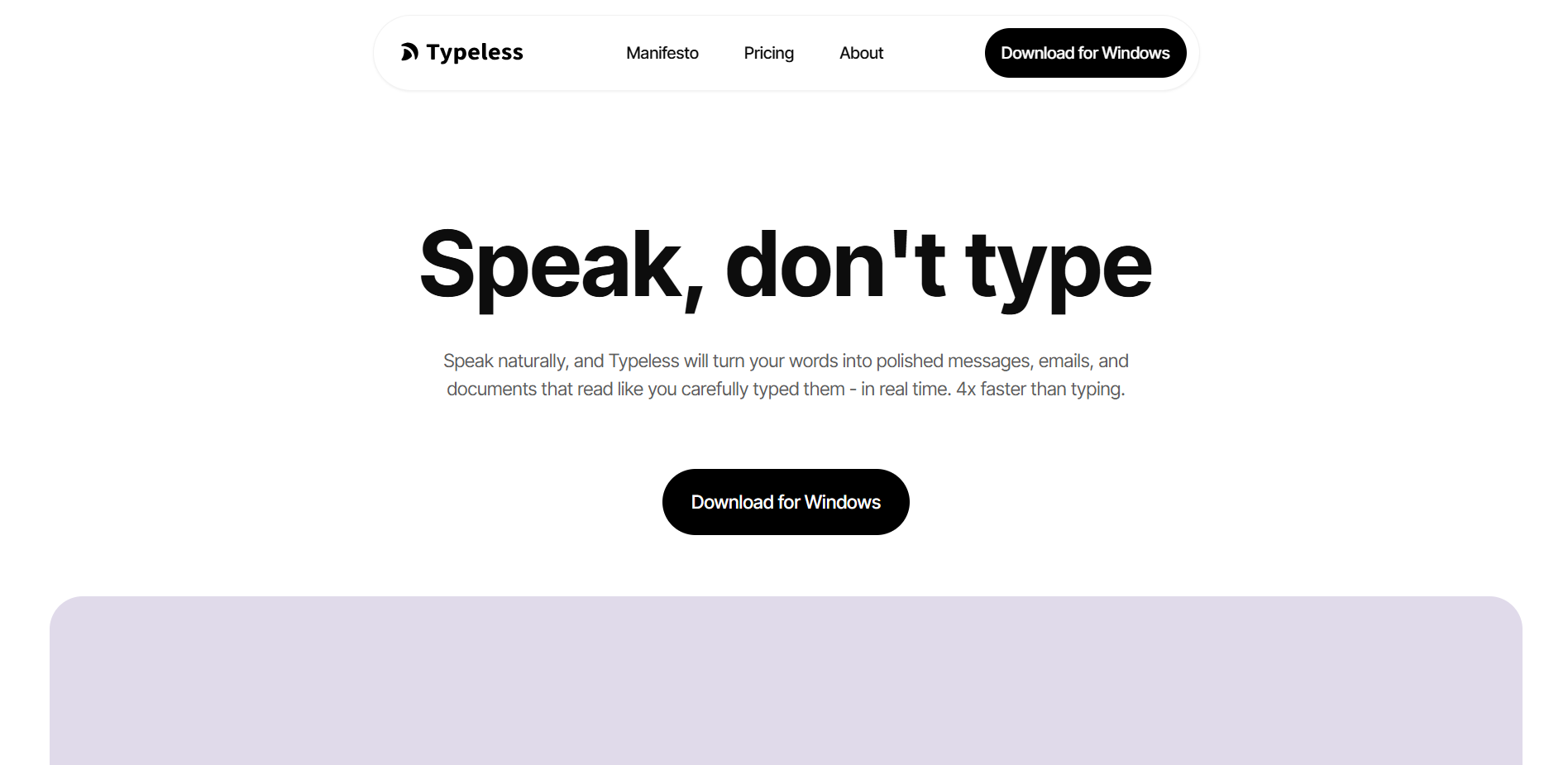
Typeless is innovative AI Voice Input Tool , specially designed to improve work efficiency and expression fluency. It can convert speech into precise text in real time, automatically remove filler words and repetitive content such as “um”“ uh”, and transcribe text concisely and professionally. Typeless supports input in more than 100 languages and mixed languages, can automatically detect and transcribe, and adapt to the tone and style of different scenarios, whether it is work emails or daily chats, and can intelligently adjust the text style.

Key features of Typeless
-
Intelligent speech transcription :Typeless can transcribe speech into precise text in real time, automatically removing filler words and repetitive content such as “um”“uh”, ensuring that the transcribed text is concise and clear.
-
Automatic formatting : Automatically organizes verbally expressed lists, steps, and key points into structured text, saving time for manual editing.
-
Multilingual support : Supports input from more than 100 languages and mixed languages, automatically detects and transcribes, and adapts to different language environments.
-
Adapt to different tones : Automatically adjust the tone and style of text based on the application used (such as work emails, chat software).
-
Personal dictionary function : Users can add professional terms or personal vocabulary to their personal dictionary to improve the recognition accuracy of specific terms.
-
Privacy Protection : Adopting a zero data retention strategy, all historical records are only stored locally and not used for model training to ensure user data security.
How to use Typeless
-
Download and Install :Visit the official Typeless website https://www.typeless.com/ and download the application for macOS, Windows, iOS, Android or web.
-
Create an account :Register an account in the app and choose a free trial to experience the full functionality.
-
Personalized settings : Add professional terms or personal vocabulary to your personal dictionary as needed to improve recognition accuracy.
-
Select input scene : Open an application that requires text input (such as emails, notes, chat tools, etc.), and Typeless will automatically adjust the tone according to the scene.
-
Start dictation : Click Typeless’s dictation button to start voice input, which will automatically remove filler words, duplicate content, and format the text.
-
Editing and saving : After dictation is complete, review the generated text, make necessary edits, and then save or send it.
Typeless’ core advantages
-
Smart touch-up :Can transcribe speech and polish text according to context, which is more in line with written language standards.
-
Whispering Mode : Suitable for use in environments that require privacy protection, such as open offices.
-
Cross-platform compatibility : Supports macOS, Windows, iOS, Android and web platforms.
-
Efficient input : Voice input speed can reach 220 words/minute, which is about 4 times more efficient than the average keyboard typing speed of 45 words/minute.
-
Accurate identification : Through personal dictionary function, accurate identification of specific terms or proper nouns can be ensured.
Typeless’s applicable population
-
Professionals : For example, lawyers, doctors, journalists, etc. need to quickly record meeting content, client interviews or write professional documents. Typeless can efficiently transcribe and maintain a professional tone.
-
Content Creator : Including writers, bloggers, video producers, etc., they can record ideas, drafts or scripts by voice anytime and anywhere to improve creative efficiency.
-
Student groups : Used for class notes, paper writing or group discussion records to help quickly organize ideas and content.
-
Office staff : Typeless improves input speed and text quality when writing emails, reports, or conducting team communications in daily work.
-
Developer : Supports voice input of code comments or documents in programming environments (such as VS Code) to improve work efficiency.
-
People with hearing impairment : As an auxiliary tool, it helps them better participate in voice communication and convert voice into text in real time.