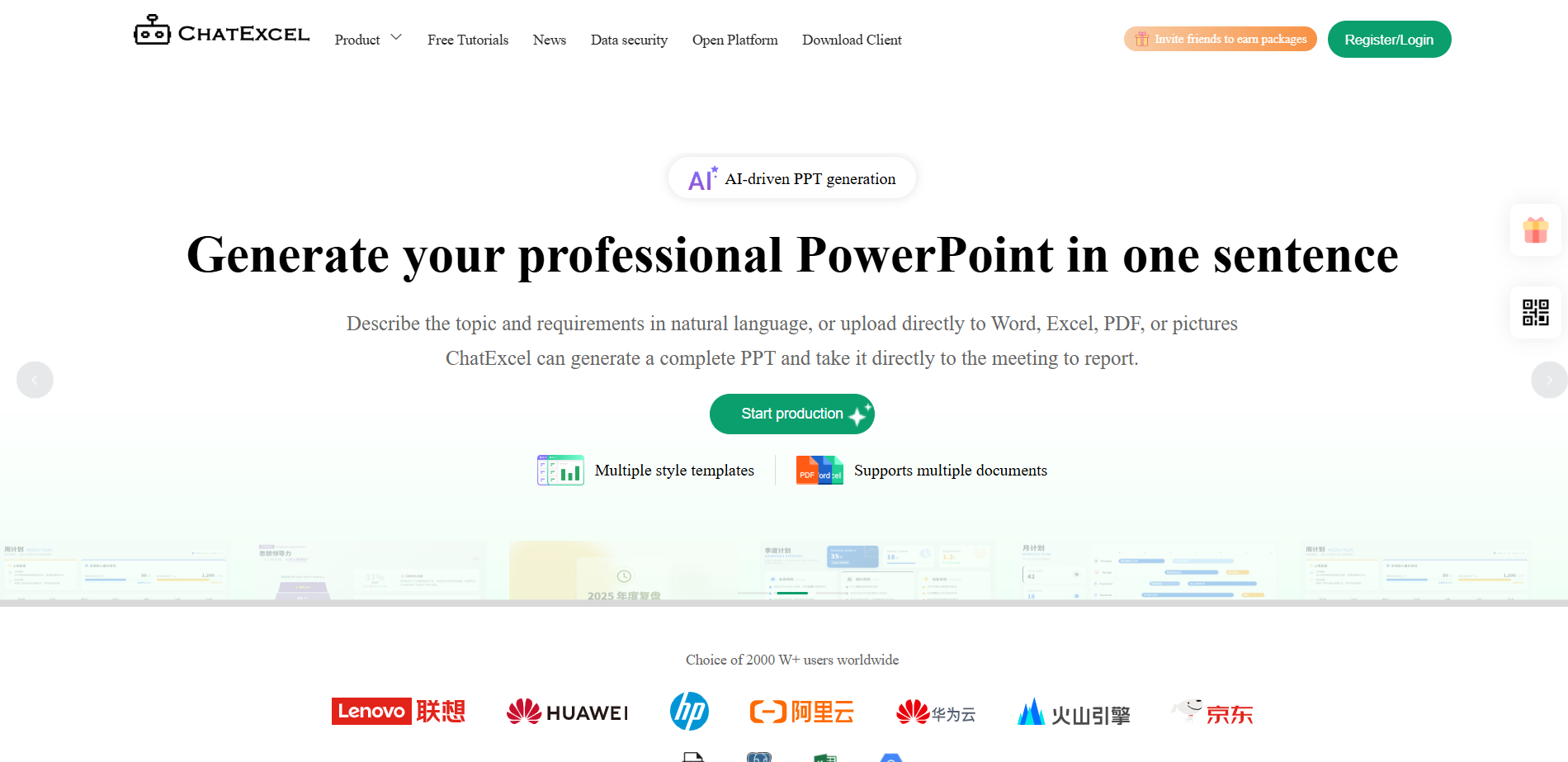
What is ChatExcel
ChatExcel is an AI-driven smart office tool that uses natural language processing technology to allow users to process Excel tables and conduct tasks through chat data analysis. Users do not need to write complex functions or use professional BI tools, and can easily implement operations such as data cleaning, analysis, and visualization. ChatExcel supports multiple file formats, including CSV, XLS and XLSX, and supports the generation of more than 100 chart types, greatly improving the efficiency and convenience of data processing. ChatExcel can not only complete data analysis and other operations, but also generate a complete presentation PPT with one click, greatly improving the efficiency of the entire office scene process.

The main functions of ChatExcel
- Automatically process Excel: Realize functions such as multi-table merging, work table splitting, data cleaning and advanced query.
- Intelligent data analysis: Supports multiple analysis methods such as comparative analysis, statistical analysis, cross analysis, and correlation analysis.
- data visualization chart: Supports the creation of more than 100 chart types, such as bar charts, line charts, scatter charts, pie charts, etc.
- Convert documents to Excel in seconds: Supports conversion of PDF, PNG, JPG, JPEG and other formats to Excel.
- ChatExcel-Pro: No formula functions are needed, chat automatically completes data cleaning, analysis and batch processing, supporting 3 files and a single file of 5M.
- ChatExcel-Max: Supports multi-file/multi-sheet batch processing, responds to millions of rows of data in seconds, supports 10 files, and a total file size of 50M.
- I have PPT: Natural language describes the PPT theme and requirements, and AI automatically generates a complete presentation.
- Smart data dashboard: Supports connecting databases and Excel tables to quickly generate visual charts, built-in 200+ kinds of exquisite interactive charts, supports automatic refresh, and data is updated in real time.
- AI form: Convert complex content in web pages into clear and readable tables in one sentence, and efficiently complete data collection and summary.
- ChatDB: Make database analysis as easy as chatting. Just connect to the database, analyze thousands of data in one sentence, accurately extract insights, and generate visual reports.
- template square: Provides various preset templates so users can quickly start working or reporting.
- PDF to Excel: Users upload PDF files and ChatExcel automatically converts them to Excel format.
- Picture to Excel: The user uploads a picture file, and ChatExcel automatically recognizes the text or table in the picture and converts it into Excel format.
How to use ChatExcel
- Visit the ChatExcel website:Access ChatExcel https://www.chatexcel.com/ Official website, complete user registration and login.
- Select function module: In the workbench interface, click the corresponding function module according to your needs, such as ChatExcel-Pro, ChatExcel-Max, etc.
- Upload files: In the selected function module, upload the Excel file to be processed, supporting CSV, XLS and XLSX formats.
- Use natural language to process data: In the ChatExcel-Pro or ChatExcel-Max module, complete data cleaning, analysis and batch processing by inputting natural language instructions.
- Data analysis and visualization: Use ChatDB for database analysis, or use charting tools to create and customize charts.
- Generate report: After the analysis is complete, you can generate a report containing visual data or export a professional analysis report.
- Use AI PPT: In the AI PPT module, describe your needs in natural language, and AI will help you automatically generate a complete presentation.
- Download results: After processing the data, download the results to the local, including the modified Excel file or the generated chart.
ChatExcel usage example
AI table——Data collection

ChatDB——Stock data analysis

Product Pricing for ChatExcel
- monthly subscription: 25.90 yuan, membership benefits include 30 Pro conversations per day, 10 Max conversations per day, trial ChatDB, 50M file space, 10-page PDF and image generation Excel rights, editable source file download, free use of all advanced AI instructions, 100+ AI functions, generation of 500+ AI exquisite charts, free use of on-site tutorials and exclusive VIP customer service.
- Yearly package: 99.00 yuan, membership benefits include 100 Pro conversations per day, 50 Max conversations per day, trial ChatDB, 200M file space, 120 pages of PDF and image generation Excel benefits per year, editable source file downloads, and free use of all advanced AI commands.
- Lifetime VIP membership: 299 yuan. Membership benefits include 100 Pro conversations per day, 50 Max conversations per day, trial ChatDB, 300M file space, 120 pages of PDF and image generation Excel benefits per year, editable source file downloads, and free use of all advanced AI commands.
ChatExcel application scenarios
- financial analysis: ChatExcel can be used to calculate and analyze financial data, and automatically calculate the total sales of a specific department exceeding a certain amount.
- human resources management: In the field of human resources, it helps analyze the salary ratio of each department and generate visual charts, such as donut charts, to facilitate a more intuitive understanding of the data.
- E-commerce data analysis: The e-commerce industry draws line charts based on time series and product classification to analyze sales trends and product performance.
- Education and training evaluation: Education and training institutions extract the results of specific ranked students and draw them into a stacked area chart to evaluate student performance and teaching effectiveness.
- Government and enterprise data reports: The government and enterprises draw combination charts, such as displaying GDP data as a stacked column chart and using a line chart to represent the growth rate, to facilitate policy formulation and business planning.