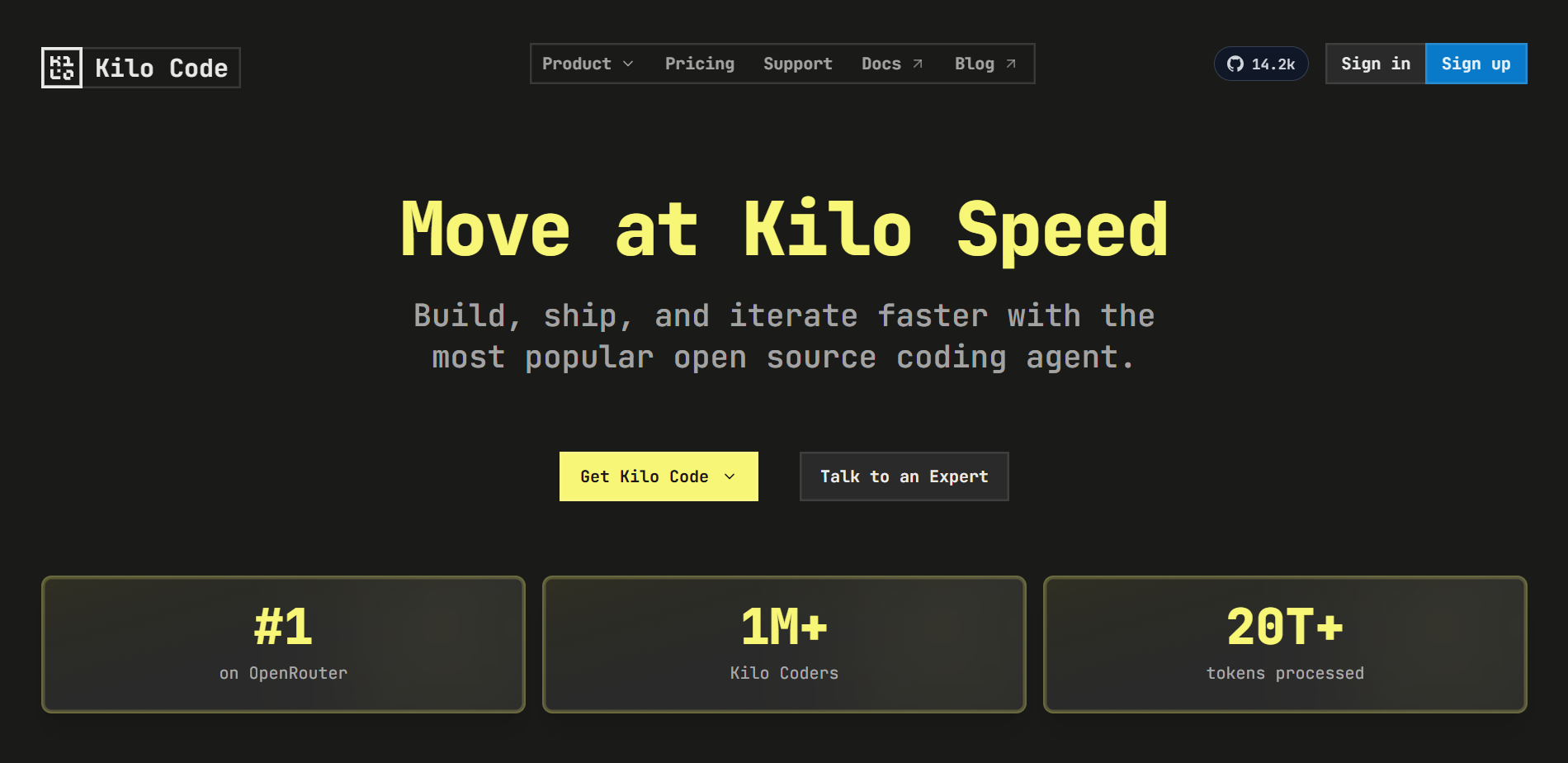
What is Kilo Code
Kilo Code is open source AI Programming Extension plug-ins, integrated into IDEs such as VS Code, accelerate the development process through natural language interaction. Kilo Code deeply integrates advanced AI models with IDEs. Developers can use simple text descriptions to complete complex programming tasks, from code generation to project management. Kilo Code’s flexible mode switching and powerful tool integration make development more efficient and intelligent. Kilo Code is the right-hand man to increase efficiency and stimulate innovation, making programming simpler and more efficient.

Key Features of Kilo Code
-
Code Generation : Quickly generate code based on natural language descriptions, support multiple programming languages, and help developers implement functions efficiently.
-
Code refactoring and debugging : Supports optimizing existing code structures, quickly locating and fixing problems, and improving code quality and stability.
-
Document Writing and Updating : Tools can automatically generate and update code comments and technical documents, ensuring that documents are synchronized with code and reducing maintenance costs.
-
Question Answer : Provide technical support for the codebase, answer questions during the development process, and facilitate knowledge sharing.
-
Task Automation : Supports automation of repetitive tasks such as file operations and command execution, saving time and energy.
-
Multi-mode switching : Provides multiple working modes such as Code mode, Architect mode, and Debug mode to meet the needs of different development scenarios.
- Expansion and Integration : Tools extend functionality through the MCP protocol, integrating external tools and APIs to meet personalized needs.
- Code Review : The tool provides automated code review capabilities, analyzes Pull Requests, makes improvement suggestions, and ensures code quality.
- Multi-device synchronization : Supports cross-device synchronization, allowing developers to continue tasks seamlessly on different devices.
- Voice interaction :Supports voice commands, and developers can interact with AI assistants through voice to improve efficiency.
- Intelligent Completion : The tool provides intelligent code completion function, supports multiple lines of suggestions, and understands the code context.
- Model selection : Supports 500+ AI models, and users can choose the most suitable model according to task requirements.
How to use Kilo Code
- Install Kilo Code : Download via VS Code App Store, Cursor App Store, Open VSX Registry or manually
.vsixFile Install Kilo Code extension. - Open VS Code : Launch VS Code or a compatible editor and enter the extension panel (shortcut key
Ctrl+Shift+XorCmd+Shift+X). - Search and install : Search for “Kilo Code” in the expansion panel, select Click the Install button, and press the prompt to reload VS Code when you are finished.
- Open the Kilo Code panel : Find the Kilo Code icon in the VS Code sidebar and click it to open the Kilo Code panel.
- Register an account : Open the Kilo Code panel and complete account login and registration.
- Input Task : In the chat box of the Kilo Code panel, describe the development requirements in natural language, for example “create a Python script, print ‘Hello, world!’”.
- Send a task : After entering the task, press Enter or click the Send icon to submit the task.
- Audit operation recommendations :Kilo Code can analyze tasks and make specific operation suggestions, such as reading and writing files or executing commands, and users can view and approve their execution.
- Iterate to complete tasks :Kilo Code can perform tasks step by step based on feedback, waiting for further instructions from the user until the task is completed.
- Use different modes : Switch modes in the panel, such as Code mode for writing code, Debug mode for debugging, and Architect mode for design.
- Configuration and Extensions : Adjust configurations such as automatic approval and model selection in settings, or add custom tools and integrate external APIs through the MCP protocol.

Kilo Code official website and open source project address
- Official website address: https://kilo.ai/
- GitHub repository: https://github.com/Kilo-Org/kilocode
Product Pricing at Kilo Code
-
Individual plans : Pay-as-you-go, suitable for individual developers, provides support for VS Code, JetBrains and command line interfaces, open source on GitHub, access to more than 500 AI models, autocompletion, managed indexing, deployment, cloud proxy, code review, parallel proxy, application builder.
-
Team Plan : $15 per user per month, including all functions of the personal plan, plus usage analysis and reporting, AI adoption scoring, shared agent model, centralized billing, shared BYOK, team management, data privacy control, priority support.
-
Enterprise Programme : Price customization, including all features planned by the team, plus limiting models and/or providers, shared private gateway BYOK, audit logs, SSO, OIDC and SCIM support, SLA commitment, dedicated support channels.
Application Scenarios of Kilo Code
-
Rapidly develop prototypes : Developers can use Kilo Code to quickly generate code frameworks, accelerating prototype development and iteration.
-
Programming Learning : For programming beginners, the tool can generate sample code to help understand algorithms and logic.
-
Code Maintenance : When maintaining old projects, Kilo Code’s automated refactoring function cleans up the code and improves its readability and maintainability.
-
Team Development :In team collaboration, Kilo Code can help unify code styles and improve code readability and maintainability.
-
System Design : Architects use Kilo Code’s Architect mode to quickly plan system architecture and generate technical documentation.