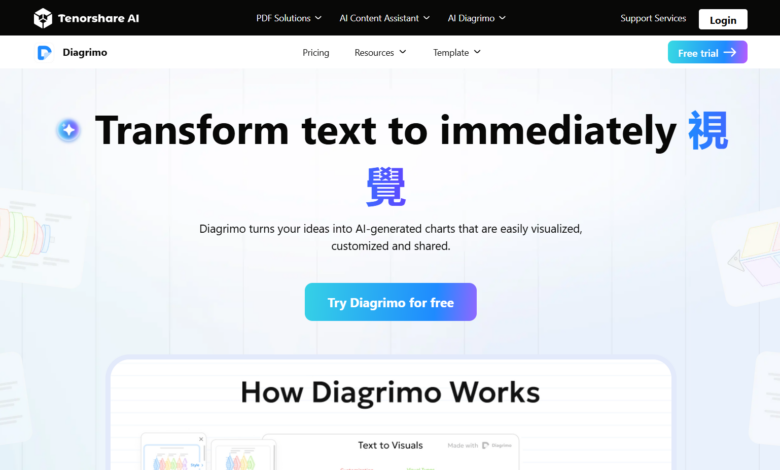
What Diagrimo is
Diagrimo is an intelligent AI chart generation tool provided by Tenorshare AI and a powerful chart maker. Automatically transform your ideas, words, or concepts into clear, structured visualizations on the fly, helping you organize your thoughts, plan projects, and build logical frameworks more efficiently. Whether it’s a flowchart, mind map, structure map, or other infographic format, Diagrimo can quickly generate and uniformly manage complex content in the same platform, making it easy to see at a glance. Supports convenient display and sharing, helping you easily and clearly express various ideas and solutions to your team, customers or audience.
Main functions of Diagrimo
-
AI text-to-chart : Quickly transform text content into intuitive visual charts to help users clearly present complex information.
-
Custom styles : Provide a variety of chart styles for users to choose from to meet different scenarios and needs.
-
Content Optimization : Built-in AI assistant can polish and simplify text, automatically correct grammatical and spelling errors, and improve copywriting quality.
-
Export & Share : Supports exporting charts to multiple formats (such as PNG, PDF) and can be quickly shared with others through links.
-
Auto Save : Automatically save files during the user creation process to ensure progress security and no need to save manually.
How to use Diagrimo
- Access to the Platform :access Diagrimo official website , register or log in to an account.
-
Enter text content : Enter text in the workspace that needs to be converted into charts. Diagrimo’s AI assistant will help polish and optimize the content.
- Select and change styles : Choose from a variety of chart styles provided and can change the style at any time to better match the content if needed.
-
Generate visual charts : Click the generate button, and Diagrimo will quickly generate a corresponding visual chart based on the input text content.
-
Export or share charts : After completing the chart, click on the top right corner of the chart in the chart box Export icon , export the chart as a PNG image. Click on the upper right corner of the workspace toolbar Export icon , export the chart as a PDF file in A4 format. Click on the top of the page Copy Share Link Icon, copy the chart link and share it with others.
-
Optimize content :Use Diagrimo’s AI assistant function to polish, simplify, and check grammar of text content to improve overall quality.
Diagrimo application scenarios
-
Education sector : Used to create teaching courseware, study notes and mind maps to help students and teachers present knowledge structures more intuitively.
-
Business Report : Quickly generate professional charts for business presentations, project reports and market analysis, improving reporting efficiency and visual effects.
-
Content creation : Assist creators to convert text content into visual charts for use in blogs, social media graphics and infographics to enhance content appeal.
-
Personal learning and planning : Helps individuals organize notes, plan tasks and summarize knowledge, and sort out ideas more clearly through charts.
-
Teamwork :Team members can share and edit charts, collaborate in real time, and improve team communication and project advancement efficiency.