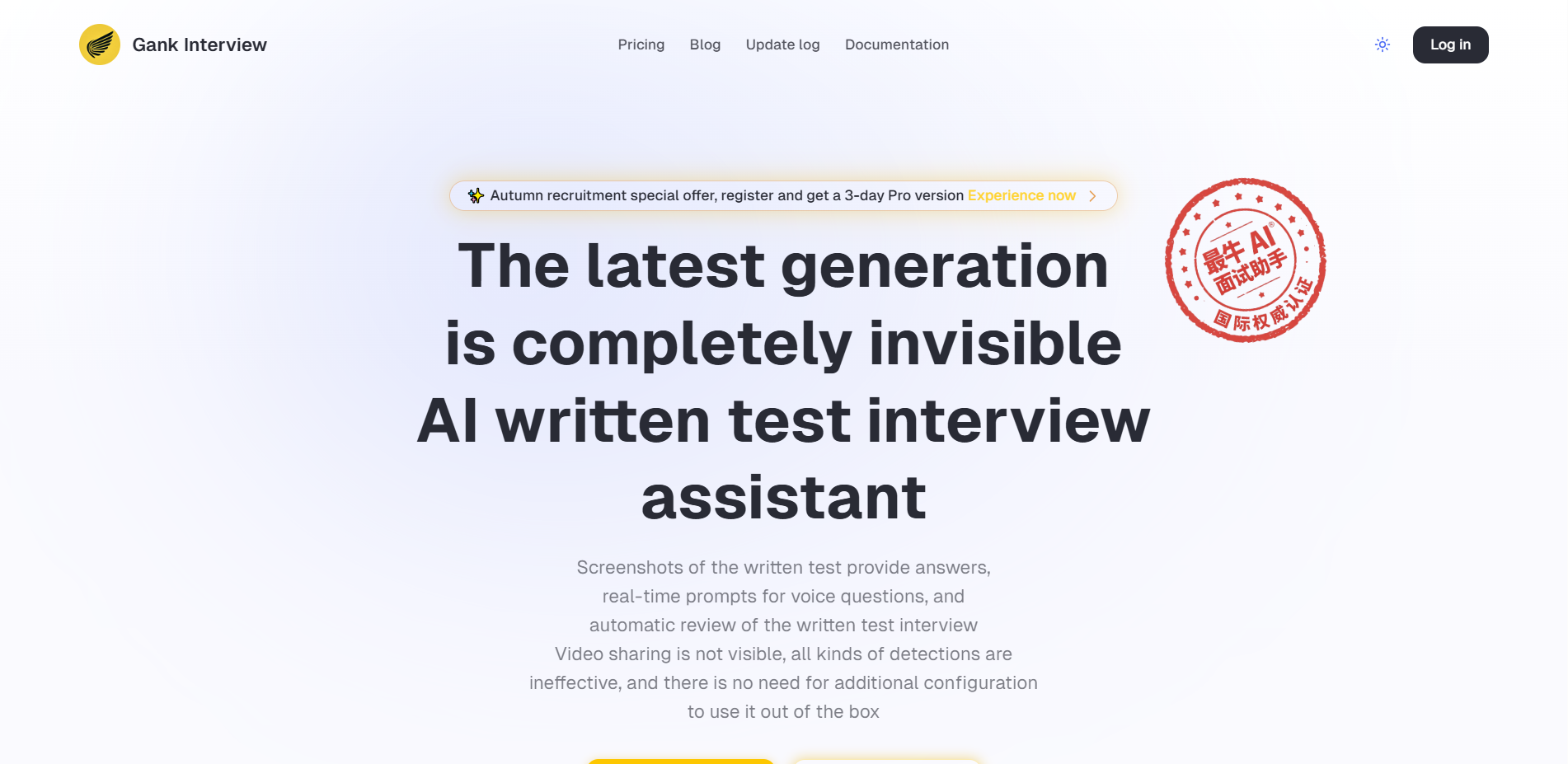
What Gank Interview is
Gank Interview is AI intelligent interview assistant, an AI desktop application designed for written tests and interviews. Gank Interview supports screenshot mode and voice mode, and can quickly generate written test answers or identify interviewer questions in real time and provide answers. Gank Interview supports multiple programming languages and Chinese and English, and can be completely invisible on mainstream interview platforms such as Chrome, Edge, Tencent Conference, Zoom, LeetCode, etc., avoiding anti-cheating detection and helping users efficiently respond to technical interview and written test scenarios.
Main features of Gank Interview
- Written-examination mode : Take screenshots through shortcut keys to generate answers, support general written test questions (including practical tests, etc.), support various question types (including multiple-choice questions, etc.), and support code questions (including ACM mode, code questions can be debug multiple times).
- Interview Mode : Capture the interviewer’s voice in real time without any additional configuration, directly obtain the operating system audio, support all interview software, and effectively solve the eight-legged essay questions and behavioral interview questions that need to be recited.
- Perfectly concealed : It is not visible when sharing screens on major platforms, can avoid anti-cheating detection, and supports a variety of mainstream interview and programming platforms.
- Multilingual support : Supports multiple programming languages for code questions, and supports Chinese and English.
- Advanced features : Supports SQL code generation and analysis, multiple-choice assisted answers, advanced debug mode, free choice of AI model, voice interaction mode, etc.
How to use Gank Interview
- Download & Install : visit the official Gank Interview website http://www.gankinterview.cn and download the corresponding version (such as Windows, Mac, etc.) according to the operating system. Install Launch App.
- Registration & Login : Complete registration and login as prompted.
- Basic Settings :
- Language Settings : Enter “Settings”→“ Language” and select the interface language and AI output language (such as Chinese or English).
- Programming languages : Navigate to “Settings ”→“programming language” and select the main programming language (such as Python, Java, etc.).
- Written-examination scenario :
- Written-test mode operation :
- Open the written test platform (such as LeetCode, Niuke.com, etc.) and find the questions that need to be answered.
- Select in Gank Interview “Written mode”.
- Use the shortcut keys Cmd/Ctrl + H to get a screenshot.
- Use the shortcut keys Cmd/Ctrl + Enter to recognize the screenshot and get the answer.
- If you need to reset the state, you can use the shortcut keys Cmd/Ctrl + R.
- Copy answers : View the generated answers in the interface of Gank Interview and copy them to the written test platform.
- Written-test mode operation :
- Interview scenario :
- Enter the interview platform : Open the interview platform (such as Zoom, Tencent Conference, etc.) and wait for the interviewer to ask questions.
- Start recording :
- Select in Gank Interview “Interview Mode”.
- Before the interview begins, tap the “Start Recording” button.
- Tap “Settings” in the voice panel to select Auto Trigger Mode or Manual Trigger Mode.
- Auto-trigger mode, where AI automatically answers the interviewer’s questions.
- Manually trigger mode to get an AI answer with the shortcut keys Cmd/Ctrl + G.
- Get suggestions for answers : View AI-generated answer suggestions in Gank Interview’s interface, adjust as needed and answer the interviewer’s questions.
- Covertness test :
- Join a test video call or start screen sharing with both accounts.
- Share your screen when the app is open.
- Verify that Gank Interview is not visible to others.
- Using the Screen Cut Detection tool to detect Gank Interview shortcuts does not trigger screen cut detection.

Product pricing for Gank Interview
- Free version : The free version supports 10 mainstream programming languages and provides free AI Q&A 3 times a day, suitable for light users.
- Pro : ¥99/1 month, provides unlimited AI Q&A, 90% accuracy, supports advanced AI models (such as GPT-4o, Gemini 2.0 Flash), has advanced debug mode, SQL code generation and analysis, multiple choice question auxiliary answers and Advanced voice mode (2 hours per week).
- Ultimate : ¥199/1 month, providing unlimited AI Q&A, 99% accuracy, unlimited use of top AI models (such as Gemini 2.5 Pro, Claude 3.7, etc.), supports free selection of AI models, with advanced debug mode, SQL code generation and analysis, multiple choice question assistance and advanced voice mode (10 hours per week).
Application scenarios of Gank Interview
- Written test answering aid : On the written test platform, use screenshot mode to quickly generate programming question codes, multiple-choice question answers or comprehensive question solving ideas to improve answer efficiency.
- Technical interview support : Turn on voice mode to obtain answer suggestions in real time to help interviewers cope with technical challenges such as algorithms and data structures more confidently.
- Behavioral interview guidance : Voice mode provides structured answer suggestions to help interviewers quickly organize language and improve the quality of answers.
- Simulation exercises : When preparing for a written test or interview, generate answers or answer suggestions through screenshots or voice mode, provide a real simulation environment, and improve the effect of practice.