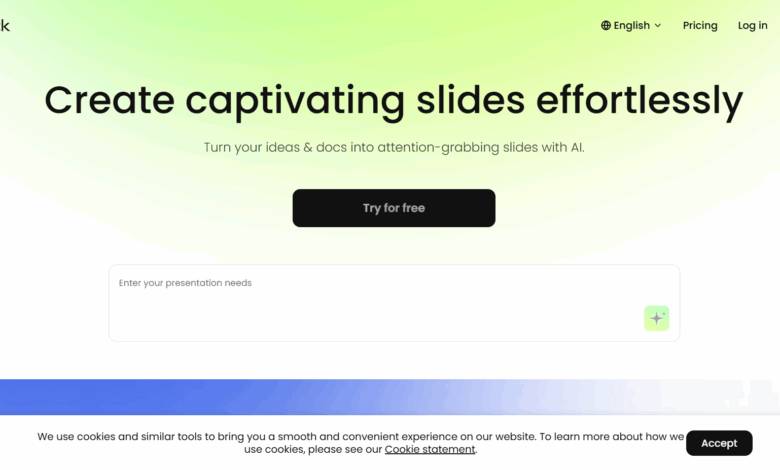
What VoxDeck is
VoxDeck is innovative AI presentation creation tool , redefining creative presentation methods through multi-modal AI technology. It can transform ordinary slides into immersive “movie-level narrative journeys”, movie-level visual effects, and can transform text prompts into impactful dynamic presentations. VoxDeck supports 3 D interactive elements that transform abstract data into explorable figurative experiences. VoxDeck supports custom virtual people to perform slide explanations and respond to audience questions in real time. VoxDeck has the function of simple prompt generation. Users only need to describe their needs or upload documents to quickly generate professional and editable presentations. Automatic adaptation on mobile is supported for all presentations.
Main features of VoxDeck
-
Cinematic visuals : AI can convert text prompts into dynamic presentations, eliminating the need for design skills and capturing the audience’s attention with cinematic visuals.
-
3D interactive elements : Built-in interactive 3D charts, models and dynamic scene roaming functions transform abstract data into explorable concrete experiences and enhance the audience’s sense of participation.
-
Digital Spokesperson : Supports custom digital virtual people for slide explanations, which can respond to audience questions in real time, allowing users to get rid of presentation pressure.
-
Simple prompt generation : No need for professional skills and tedious planning, describing requirements or uploading documents produces professional and easy-to-edit presentations.
-
Seamless presentation across devices : Presentations support automatic mobile adaptation, making cross-device presentations barrier-free.
How to use VoxDeck
-
Visit website : Visit VoxDeck official website https://www.voxdeck.ai/.
-
Create account : Sign up and log in to your account to start using the features of VoxDeck.
-
Select Template : Select the appropriate template according to the demonstration needs. The platform provides templates for various scenarios, such as product analysis, event highlights, etc.
-
Enter prompt : Enter simple prompts or instructions in the editing interface, such as “generate SpaceX achievement analysis” or “add 3 D animation effects”.
-
Generate content : Click the generate button, and the AI will quickly generate demo content according to the prompts, including text, charts, animations, etc.
-
Custom Edit : Make further edits to the resulting presentation, adjust the text, color, layout, etc. to make it fit your personal style.
-
Preview & Adjustments : Preview the presentation, check the content and effects, and adjust as needed.
-
Export Share : Once you have finished editing, export the presentation to the desired format, like PPT or video, and share it with others.
VoxDeck application scenarios
-
Education field : Produce teaching courseware to enhance students’ interest in learning and knowledge absorption through immersive visual effects and interactive experiences.
-
Marketing area : Used for market analysis and business report display, more attractive and professional presentations to impress customers and enhance brand influence.
-
Scientific-research areas : Assist scientific research demonstrations, transform complex data into intuitive 3D models and dynamic charts, and help audiences better understand research results.
-
Creative areas : Supports design proposals and creative displays, making creative expression more vivid and efficient through cinematic visuals and digital speaker functions.