What is Meitu Design Studio?
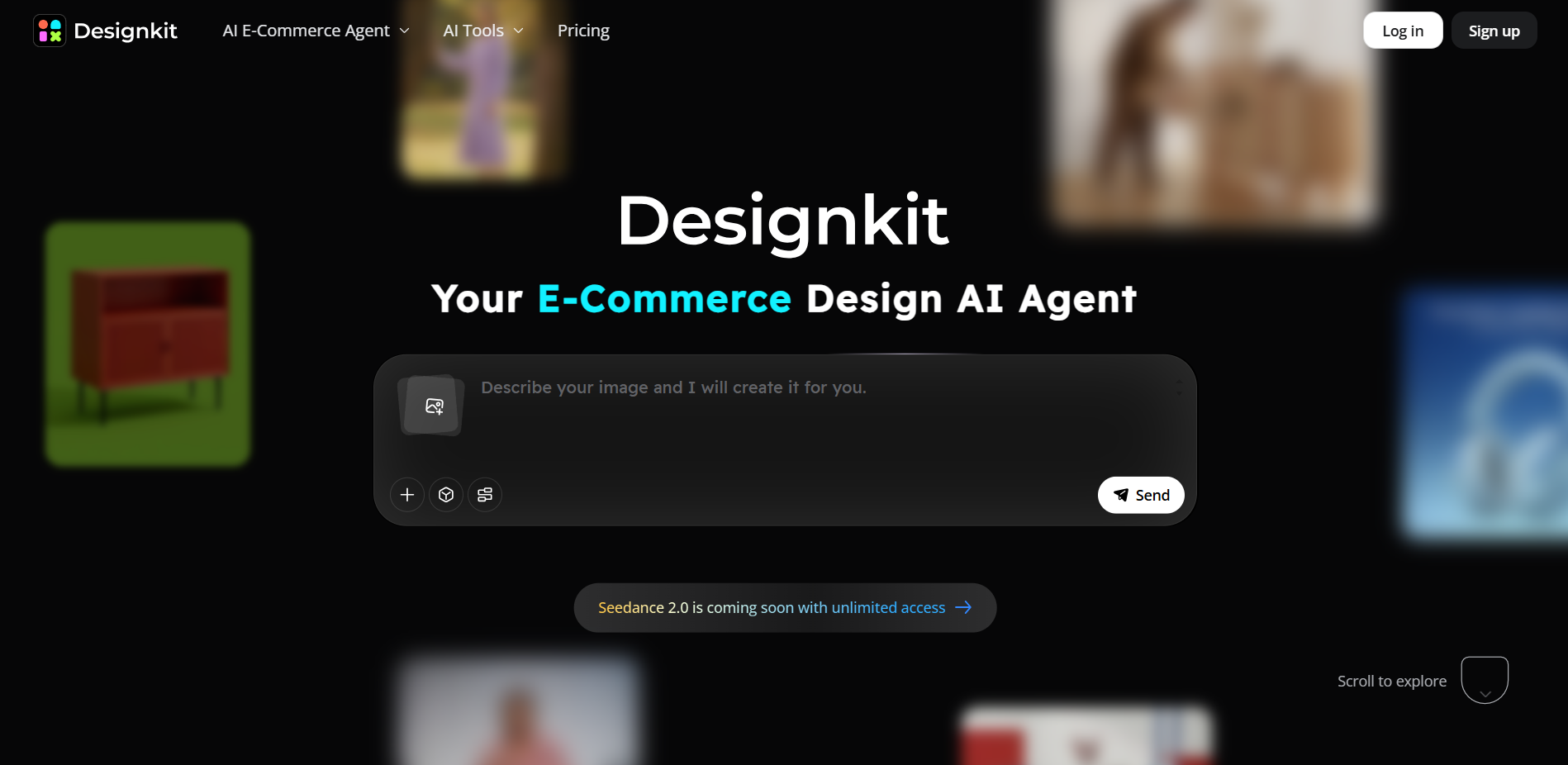
Meitu Design Studio is a collection of various products launched by Meitu Company AI design tools is an online service platform that provides one-stop intelligent visual content production solutions for merchants and creators. The platform integrates AI product pictures and smart models try on clothes AI delivery video, One-click cutout, LivePPT and other core functions, covering full-link needs such as product photography, detail page design, marketing posters, and social media materials. Through AI technology, the design threshold is greatly reduced. Users can generate high-quality e-commerce visual content with one click without complex prompt words, helping small and medium-sized merchants to efficiently complete brand visual marketing and achieve cost reduction and efficiency improvement.

The main functions of Meitu Design Studio
- AI commercial auction: Through functions such as AI models, product packages, trying on clothes and shoes, and delivery videos, one-click generation of full-link e-commerce visual content is possible, and high-quality product display materials can be produced in batches without the need for prompt words.
-
image processing: Provide intelligent cutout, AI elimination sharpening, ID photo, non-destructive resizing, batch processing and other tools to meet the one-stop processing needs of image editing, repair and optimization.
-
AI design: integrated AI Logo, LivePPT, AI copywriting, AI poster, Vincentian picture Creative tools such as Enter a simple description to quickly generate brand design, marketing copy and visual content.
- Template center: Provides a large number of scenario templates for e-commerce, social media, marketing, etc., supports picture recipes, team collaboration and drawing records, helping users efficiently reuse design assets and improve collaboration efficiency.
How to use Meitu Design Studio
- Register and log in:Visit the official website of Meitu Design Studio https://www.designkit.com/,Create an account or use your social media account for quick login.
- Select function module:According to your needs, choose the corresponding design tools or services, such as AI commercial photography, image processing, AI design, etc.
- Upload material:Depending on the selected feature, upload images that require processing or design. If you want to use the AI product image function, upload product images.
- Use design tools: according toProvided AI tools for design. For example, use the AI cutout tool to automatically remove the picture background, or use the AI poster tool to generate promotional posters.
- Edit and adjust:During the design process, images or designs can be edited and adjusted to meet specific needs. Meitu Design Studio provides a variety of editing options, such as color adjustment, text addition, element movement, etc.
- Select template:If you are using the template center function, you can select an appropriate template from the provided template library and then customize it as needed.
- Preview and download:After you’ve finalized your design, preview your work to make sure it meets expectations.Designs can be downloaded to the device.
Examples of using Meitu Design Studio
Help me generate a set of Amazon pictures. This product is a cabinet. It is sold in the United States. The language is English. The selling points are: retro texture and contrasting color design.

Generate a white American model to wear this outfit

Product pricing of Meitu Design Studio
- Continuous monthly subscription:¥30
- Continuous annual subscription:¥168
- Consecutive seasons:¥68
Member functions include smart cutout, one-click background removal; smart elimination, easy removal of clutter and passers-by; image quality restoration of waste photos; medical-grade portrait beauty; ID photo design, easy change of outfit and background; and free grid puzzle.
Application scenarios of Meitu Design Studio
- E-commerce design: Create attractive product displays, advertising banners, promotional posters and social media images for your online store.
- social media management: Design posts and stories for social platforms such as Instagram, Facebook, Weibo, etc.
- Marketing and Advertising: Create marketing materials such as flyers, brochures, billboards and online advertising.
- corporate brand: Design corporate logos, business cards, stationery, presentations and other brand promotional materials.
- Education and training: Produce teaching slides, course outlines, posters and educational materials.
- personal projects: Create professional visuals for your personal blog, resume, personal brand, or portfolio.